




Ethereum is the second-largest cryptocurrency by market cap. At the moment, ETH trades between $3,100 and $3,200. The recent Fusaka upgrade, launched on December 3rd, has brought new excitement to the ecosystem.
Choosing the right wallet is important. With crypto wallets, you have full control, but also full responsibility. If you lose your seed phrase, your funds are lost. If you click a phishing link, your money can disappear. There is no customer service or way to reverse mistakes.
This guide looks at wallets that people really use and that work well in real-life situations.
Top Ethereum wallets in 2026
Wallets serve different purposes. We’ve chosen seven wallets that people actually use, from browser extensions for DeFi to hardware devices that store your keys offline. Each one handles DeFi apps, NFT marketplaces, and blockchain projects in its own way. Here’s what’s working now.
MetaMask

MetaMask is the wallet everyone uses because it just works with everything. You can grab it as a browser extension for Chrome, Firefox, Brave, or Edge, or download the mobile app.
It’s easy to connect MetaMask with any Ethereum app. Want to trade on Uniswap? Buy an NFT on OpenSea? You just have to click “wallet connect,” and you’re instantly in. Token balances are displayed prominently, gas fees are transparent, and it shows the user’s entire transaction history.
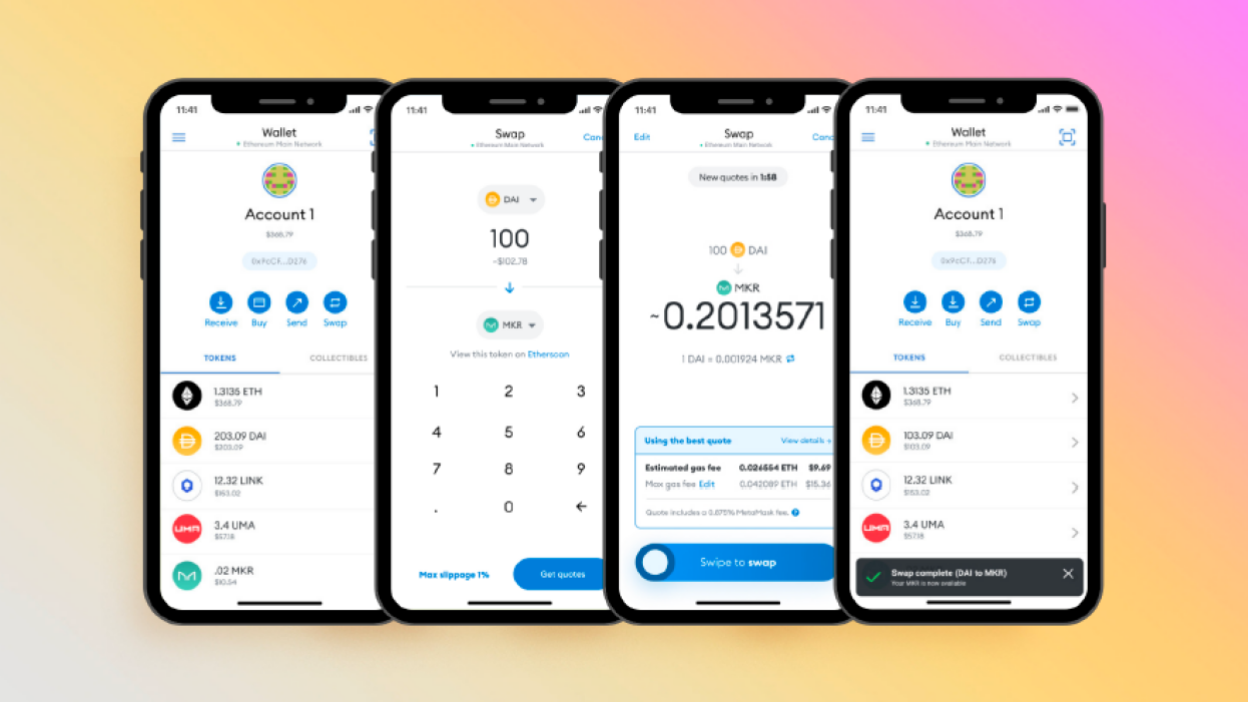
For security, MetaMask encrypts your seed phrase on your device and never stores your keys elsewhere. However, since it is a browser extension, you need to be careful about fake websites.
If you have a significant amount of money, use MetaMask together with a hardware wallet for large transactions. MetaMask is good for daily transactions between $50 and $500, but confirm amounts on a Ledger. Coinlaw reports that about 30 million people actively use MetaMask each month.
Ledger Nano X

Ledger hardware wallets work like a safe at home. The Nano X looks like a USB stick and keeps your crypto keys offline. You must confirm every transaction on the device itself. If someone tries to hack it, they would need to steal the device and guess your PIN. After three wrong attempts, the device wipes itself.
The Nano X connects via Bluetooth to your phone or plugs into your computer. It supports over 5,500 cryptocurrencies. You manage everything through Ledger Live.
It can be inconvenient to use your Ledger for every transaction, but it is much safer than losing your funds to a malicious contract. The Ledger Nano X costs $149.
Trust Wallet
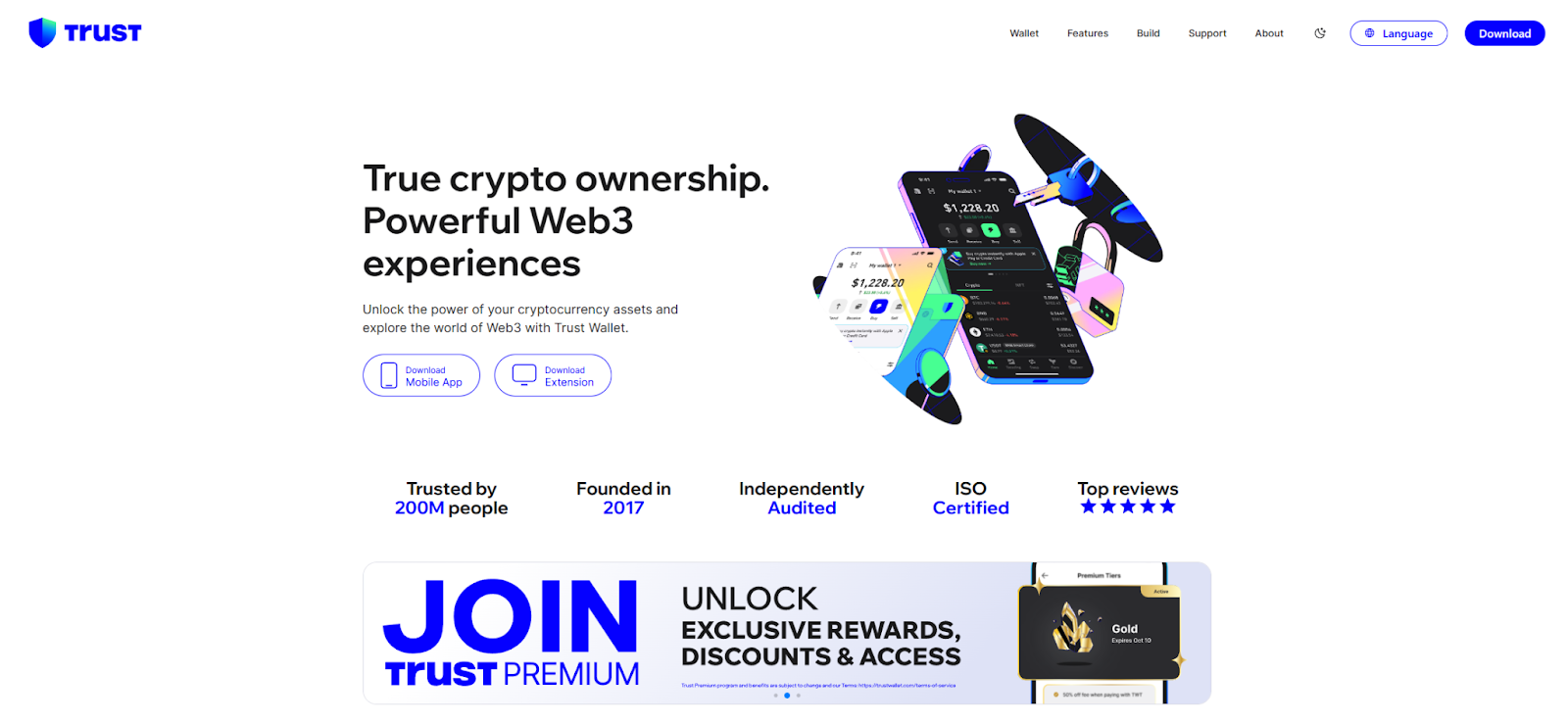
Trust Wallet is Binance’s mobile wallet and is popular because it is simple to use. You do not need identity verification or a bank connection. Just download the app, create a wallet, and start using it.
That includes a built-in browser for DeFi apps, NFT platforms, and exchanges. It also incorporates a DEX aggregator to search for the best swap rates. Cryptocurrencies are feedable directly into the app. Trust Wallet is owned by Binance, but you control your keys. The code is open-source, meaning anyone can review it for security.
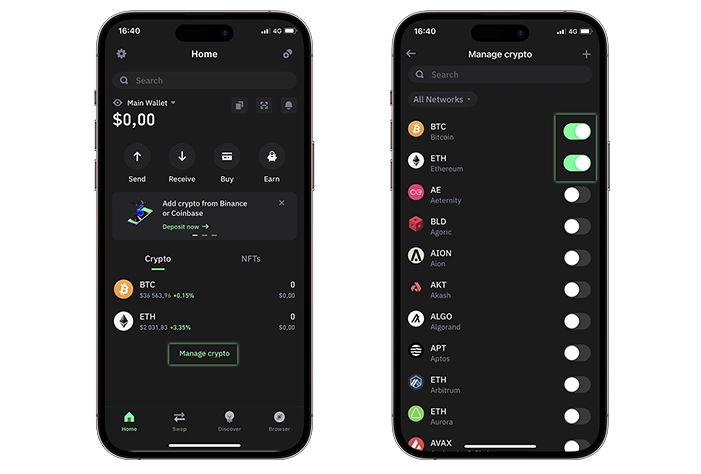
The main downside is that Trust Wallet is only available on mobile, with no desktop version. However, it is a good choice for people who use their phone for everything.
Coinbase Wallet
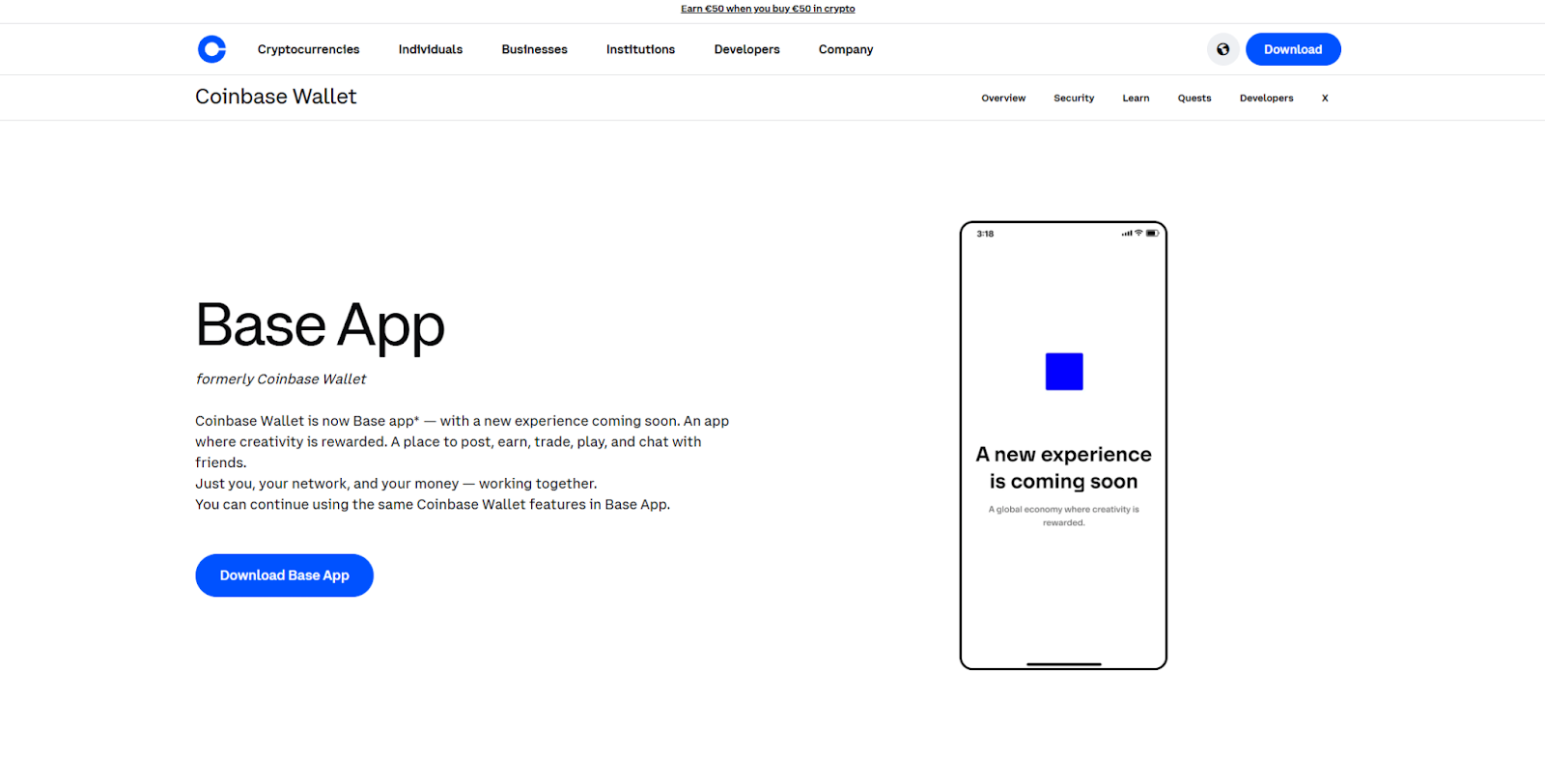
Coinbase Wallet is different from the Coinbase exchange. It is a self-custody wallet, so you control your keys. In addition to the usual seed phrase, it offers encrypted cloud backups through Google Drive or iCloud. While this does involve a third party, it is often safer than losing a piece of paper. You can turn off cloud backup if you prefer.
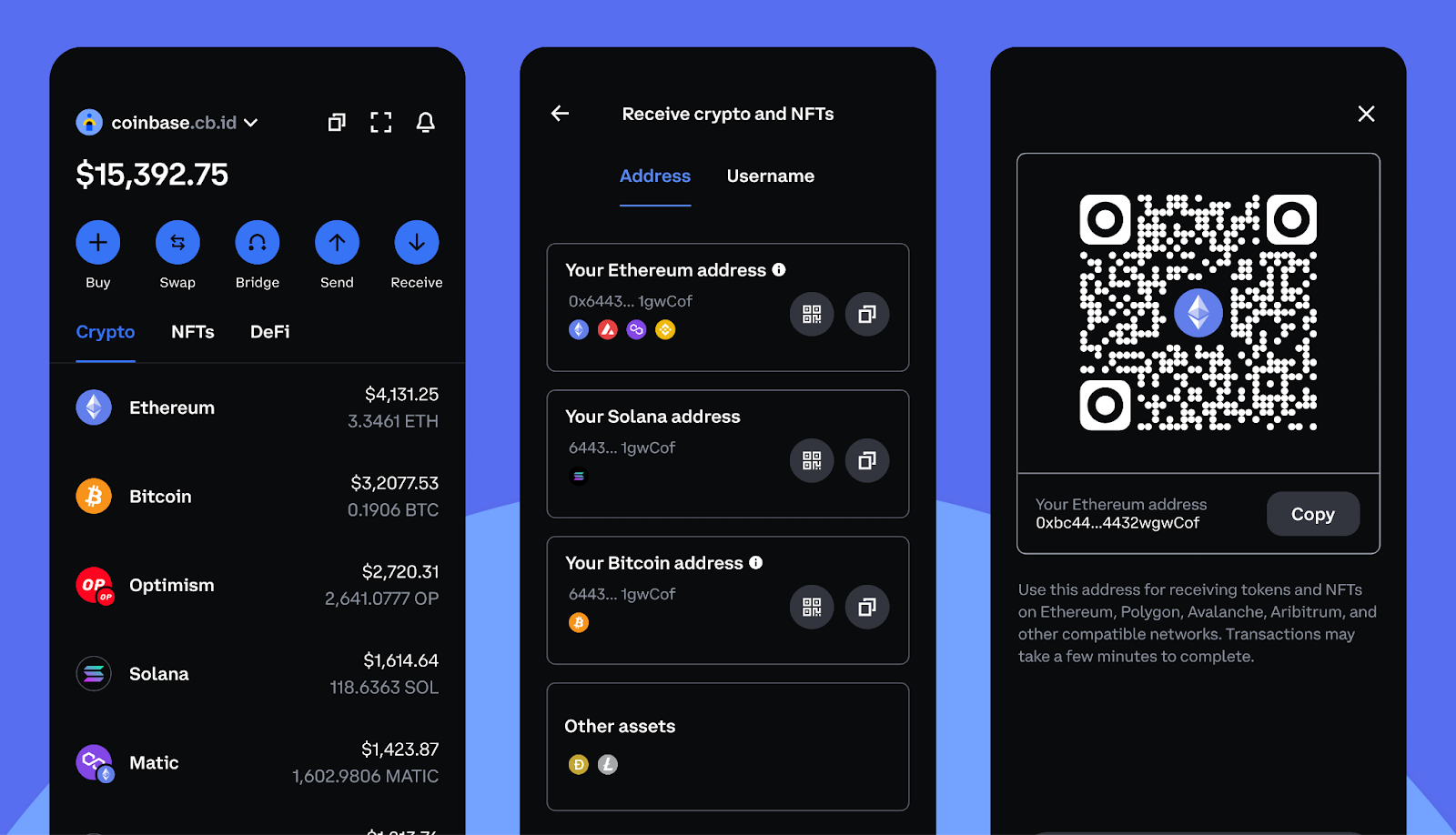
It integrates nicely with the Coinbase exchange for easy transfers of funds. It’s a clean interface, gas fees are up front, and NFTs show in a nice gallery view.
Trezor Model T
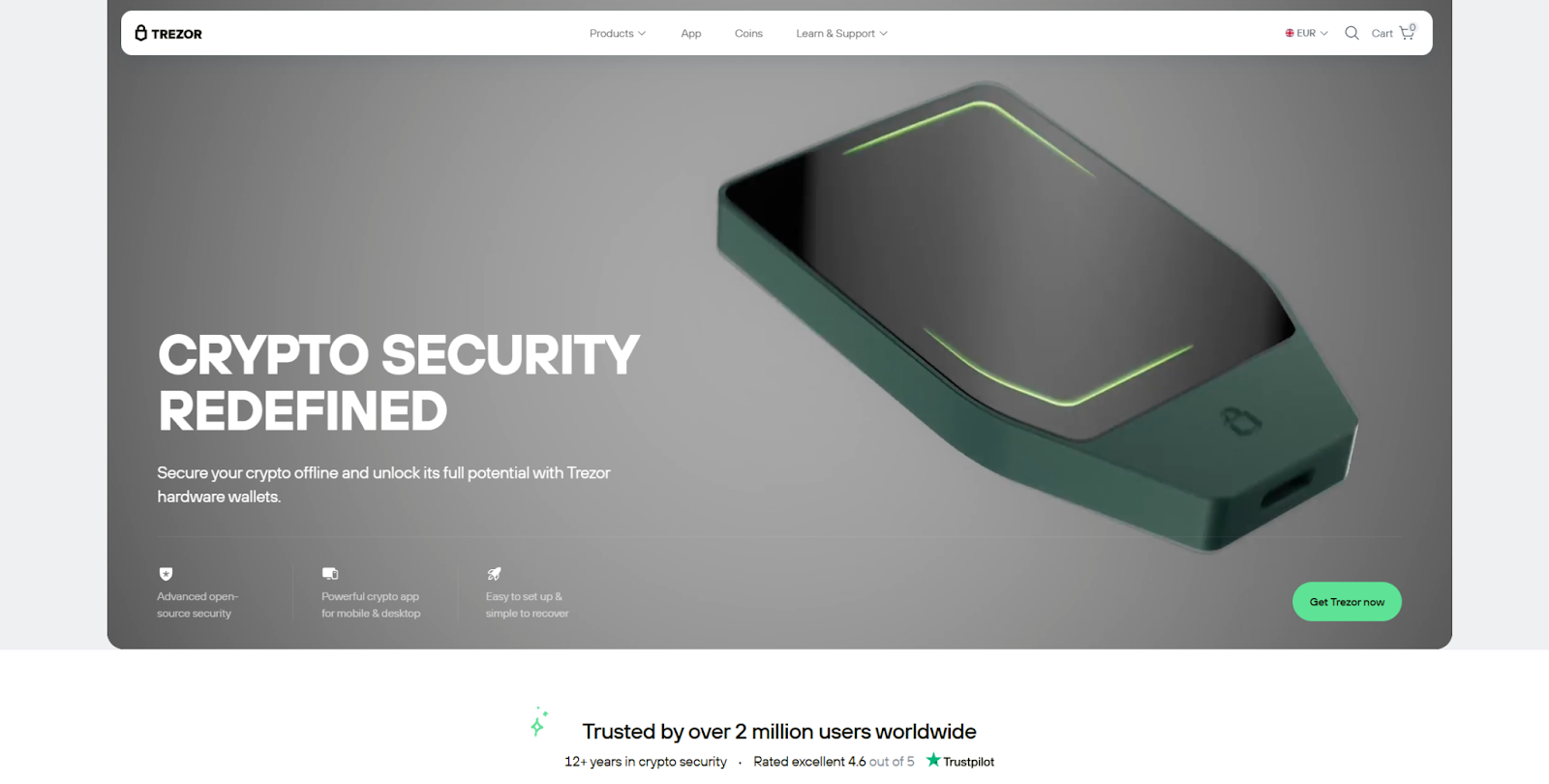
Trezor is the oldest hardware wallet available. The Model T eschews little buttons in favor of a color touchscreen. Like Ledger, it stores your keys offline. The primary distinction is that Trezor’s code is completely open-source, and anyone can check it.
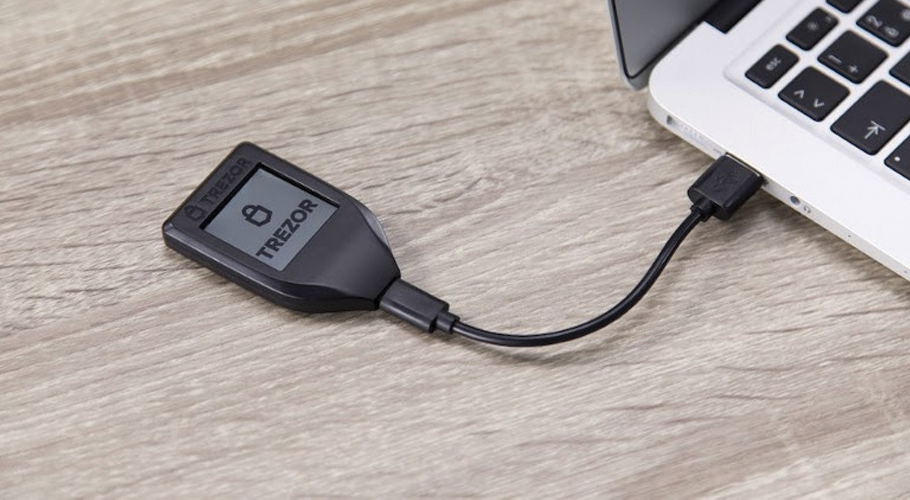
You can stake ETH with the Model T and still keep control of your funds. Trezor Suite helps you track your portfolio and buy crypto through partners. The Model T costs $219. It is more expensive, but it has a larger screen and supports Shamir Backup for splitting recovery phrases.
Exodus
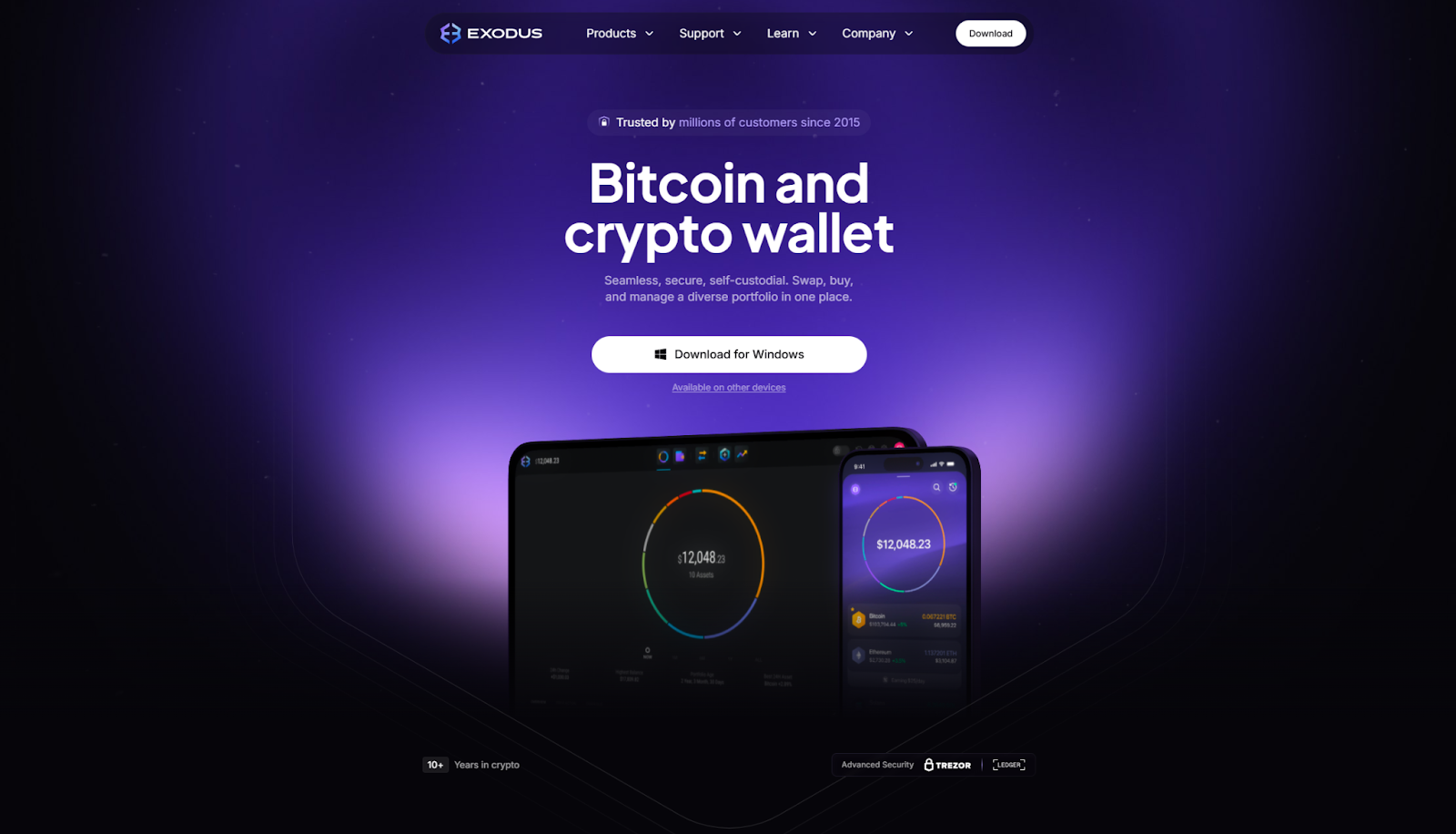
Exodus is also unique in its layout. It functions on both computers and phones, features bright graphics, and uses just a few simple words. With an integrated swaps manager, portfolio charts, and price alerts all in one app.
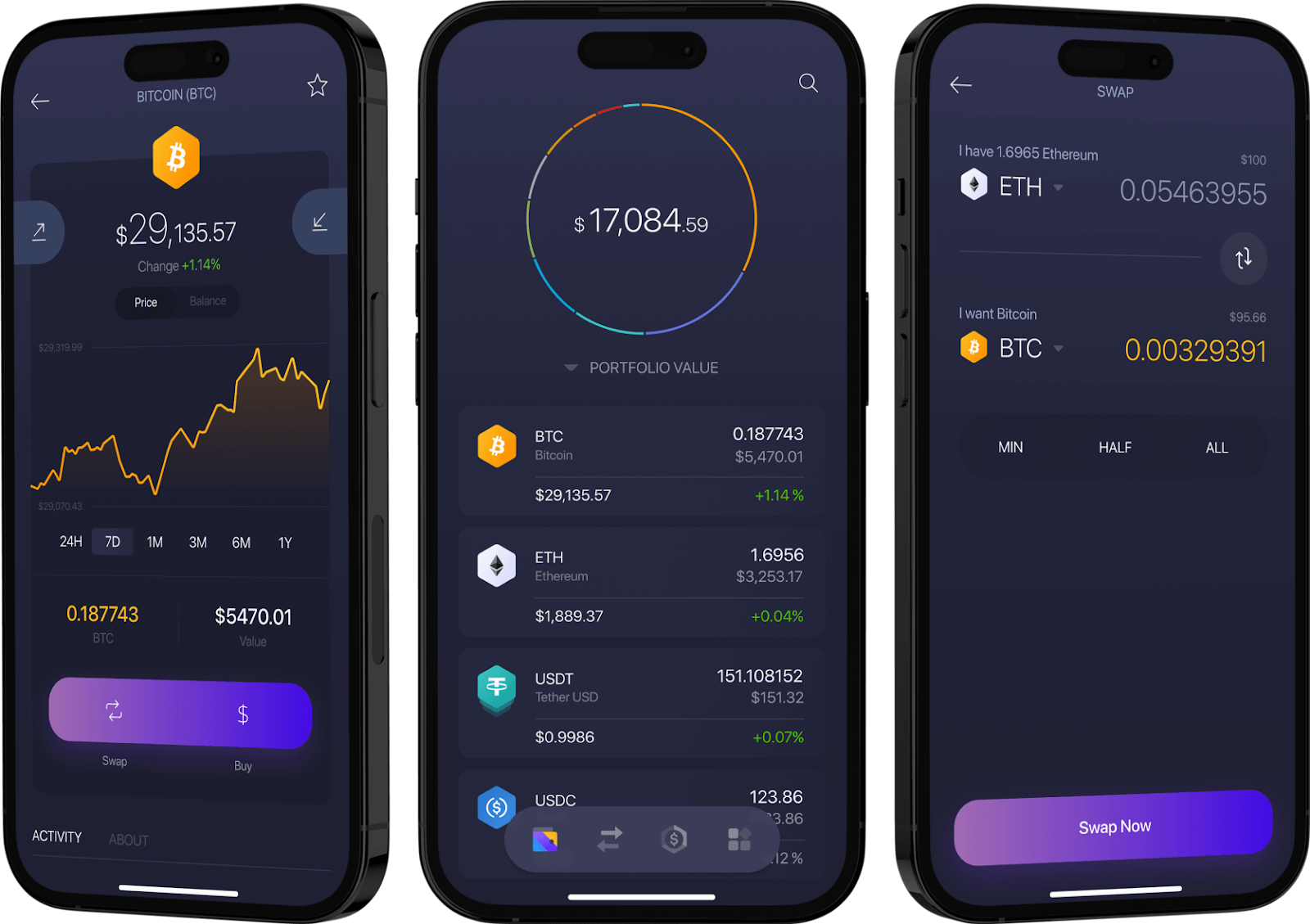
Exodus offers 24/7 human support, which is rare for crypto wallets. If you have a problem with a stuck transaction, you can talk to a real person. The trade-off is that Exodus is a hot wallet, meaning your keys are on an internet-connected device.
Rainbow
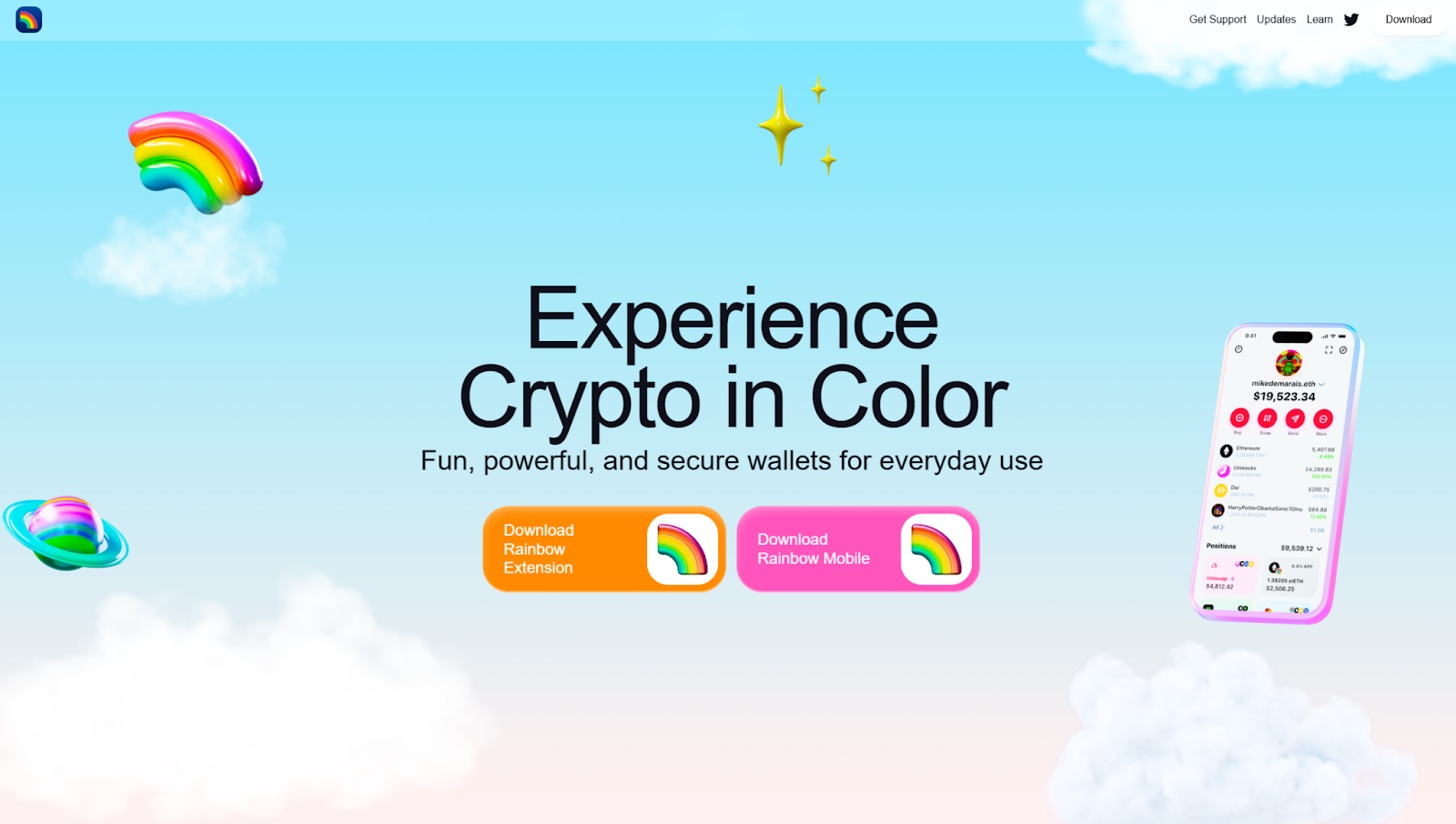
Rainbow is built for Ethereum and Layer 2 solutions like Arbitrum and Optimism. It is smoothly animated, its design is clean, and it has some well-thought-out details. Rainbow is an ENS name compatible, meaning you can send to addresses like "yourname. eth” rather than 30-character strings of numbers and letters.
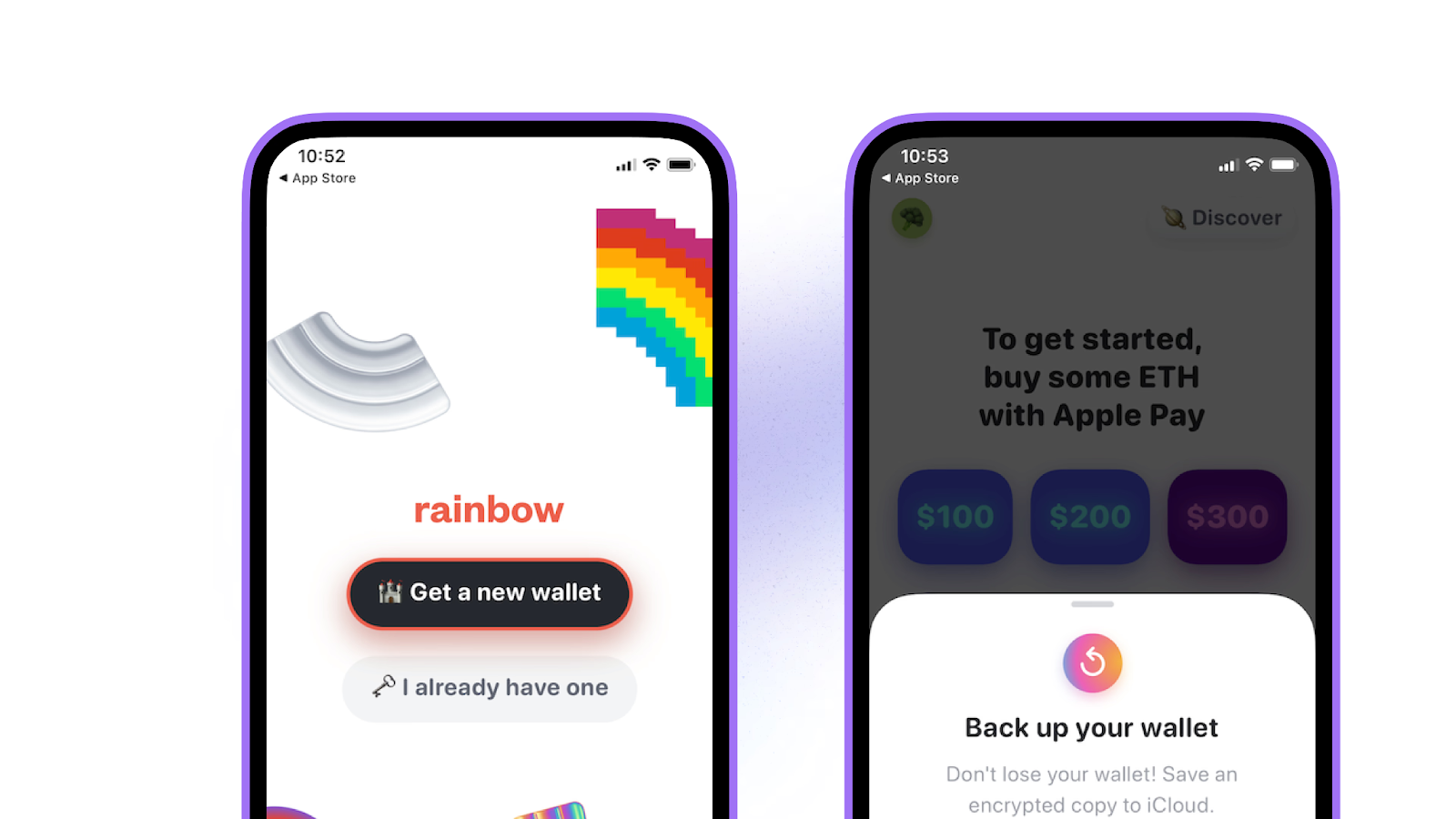
NFT collectors appreciate the automatic gallery view, which shows all metadata and images. Gas fee tracking helps you choose the best time for transactions, which is especially helpful now that mainnet fees are low due to Fusaka.
Wallet comparison
Which wallet for your situation?
New to crypto (Under $500)
Use: Trust Wallet or Coinbase Wallet
Start with something simple and learn the basics without feeling overwhelmed. These wallets have easy-to-use interfaces for exploring DeFi and trying out NFTs. Do not keep more than $1,000 in them for a long time.
Active trading ($500-$5,000)
Use: MetaMask + Ledger Nano S Plus
MetaMask is convenient for daily DeFi use because it connects quickly to everything. However, you should pair it with a Nano S Plus ($79) to store your main funds. Keep $500 to $1,000 in MetaMask for trading, and store the rest on your Ledger.
Be careful of phishing attempts. Bookmark the correct URLs and check every site carefully before connecting your wallet. Use Wallet Guard to help scan for scams.
Long-term holding ($5,000+)
Use: Ledger Nano X or Trezor Model T
At this level, you need hardware security. The Nano X has Bluetooth, which makes it easier to manage your wallet from your phone. For large amounts, the $149 price is worth it. If you prefer open-source options, choose the Trezor Model T for $219.
Protecting your seed phrase is crucial. Do not store it on your computer or take photos of it. Use a fireproof safe or Shamir Backup to keep it secure.
Deep into NFTs
Use: Rainbow + Ledger
Rainbow makes collecting NFTs enjoyable with its attractive gallery. Use it for browsing and small purchases. For expensive NFTs worth over $1,000, transfer them to your Ledger right away. NFT scams can be complex, including fake mints, fake OpenSea emails, and fake Discord moderators trying to steal your assets
Common problems solved
Stuck transaction
Open MetaMask, find the pending transaction, and click "Speed Up" to use a higher gas fee. If that does not work, click "Cancel" (this sends 0 ETH to yourself with a higher gas fee to override the transaction). Check Etherscan’s gas tracker before making important transactions. If gas is above 50 gwei, wait if you can.
Clicked a fake website
If you did not approve anything, close the tab, clear your cache, and restart your wallet. If you did approve something, use Revoke to remove permissions. Move your funds right away and revoke any suspicious approvals.
Lost seed phrase
If you can still access your funds, move everything to a new wallet right away. Do not use the old wallet again. Write your new seed phrase on paper and store it safely. If you have already lost access, the funds are gone. There is no customer service or reset option.
Conclusion
Choosing a wallet is less important than how you use it. Hardware wallets protect against hacking, but only if you use them for large amounts. Hot wallets are convenient for DeFi, but you need to bookmark the correct sites and check Revoke. Withdraw your funds every month and follow good habits.
Here are three important steps to follow:
- Buy a hardware wallet as soon as your holdings reach $2,000. Do not wait until later.
- Write down where each of your seed phrases is stored right now.
- Test your recovery plan before you actually need it.
Set a monthly reminder to review your approved contracts. This simple habit can prevent most losses.
Layer 2 networks now process more transactions than the mainnet, and the costs are much lower. Account abstraction is expected in 2026, bringing gasless transactions and social recovery. Those who start early will enjoy a better user experience.
 Maryna Hornieieva
Disclaimer: All materials on this site are for informational purposes only. None of the material should be interpreted as investment advice. Please note that despite the nature of much of the material created and hosted on this website, HODL FM is not a financial reference resource, and the opinions of authors and other contributors are their own and should not be taken as financial advice. If you require advice. HODL FM strongly recommends contacting a qualified industry professional.